LinkedIn Carousel Builder
Build a LinkedIn carousel, preview every slide, and export a PDF-ready document post you can upload to LinkedIn.
Mastering LinkedIn: Boost Your Career
Turn one strong idea into a slide deck people actually swipe through.
Your Name
@your_linkedin_handle
Made with maitoai.com/carousel
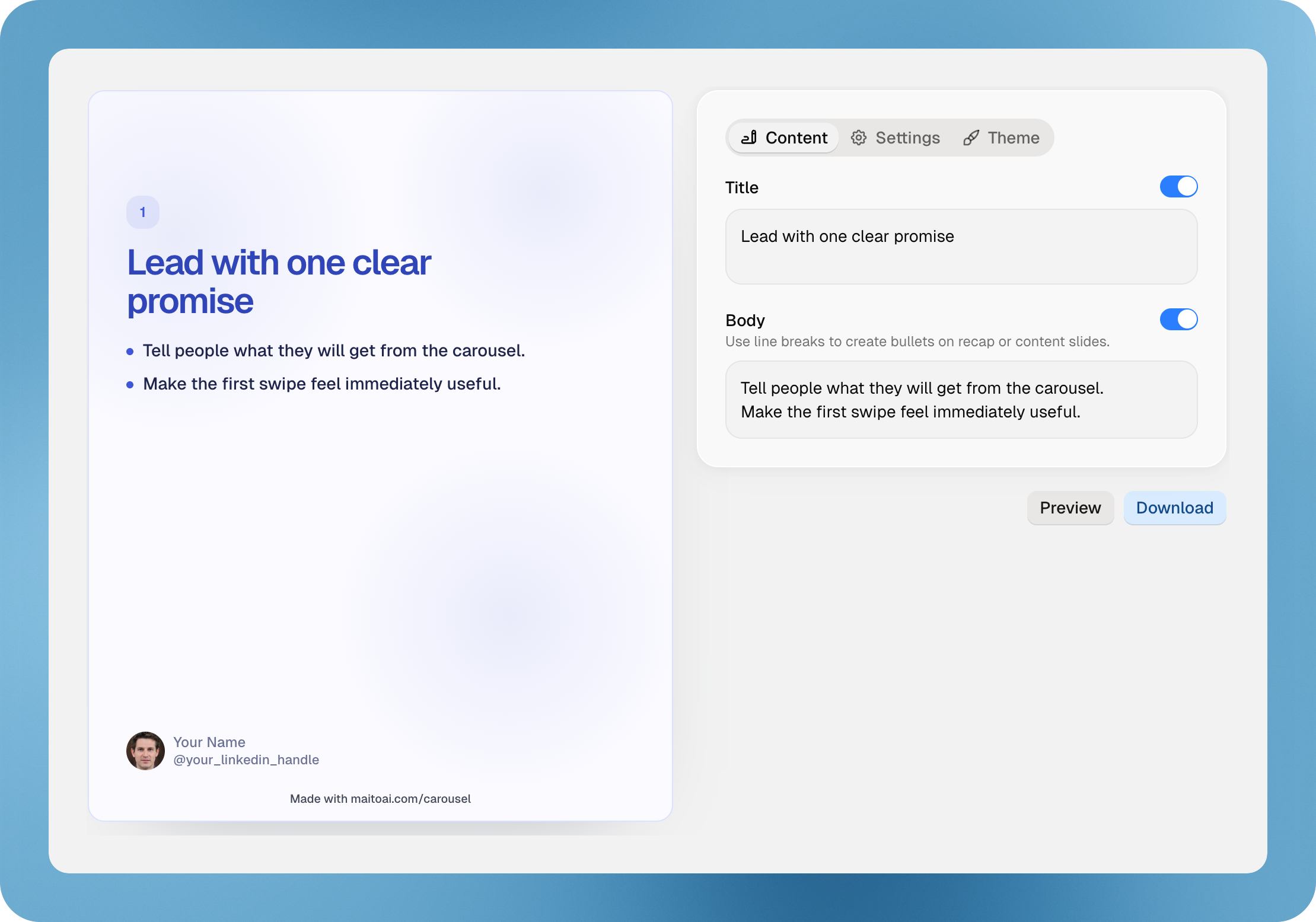
Use line breaks to create bullets on recap or content slides.
What Is a LinkedIn Carousel?
A LinkedIn carousel is usually an organic document post made from multiple pages, most often uploaded as a PDF. People still call it a carousel because readers swipe through the slides one by one in the feed.
If you are searching for a LinkedIn carousel generator, what you usually need is a builder that helps you create a slide sequence that feels clear on LinkedIn and exports cleanly as a document post.
That distinction matters. You are not designing a static graphic. You are building a page-by-page experience where the hook, the reading flow, and the final PDF all affect how the post performs.
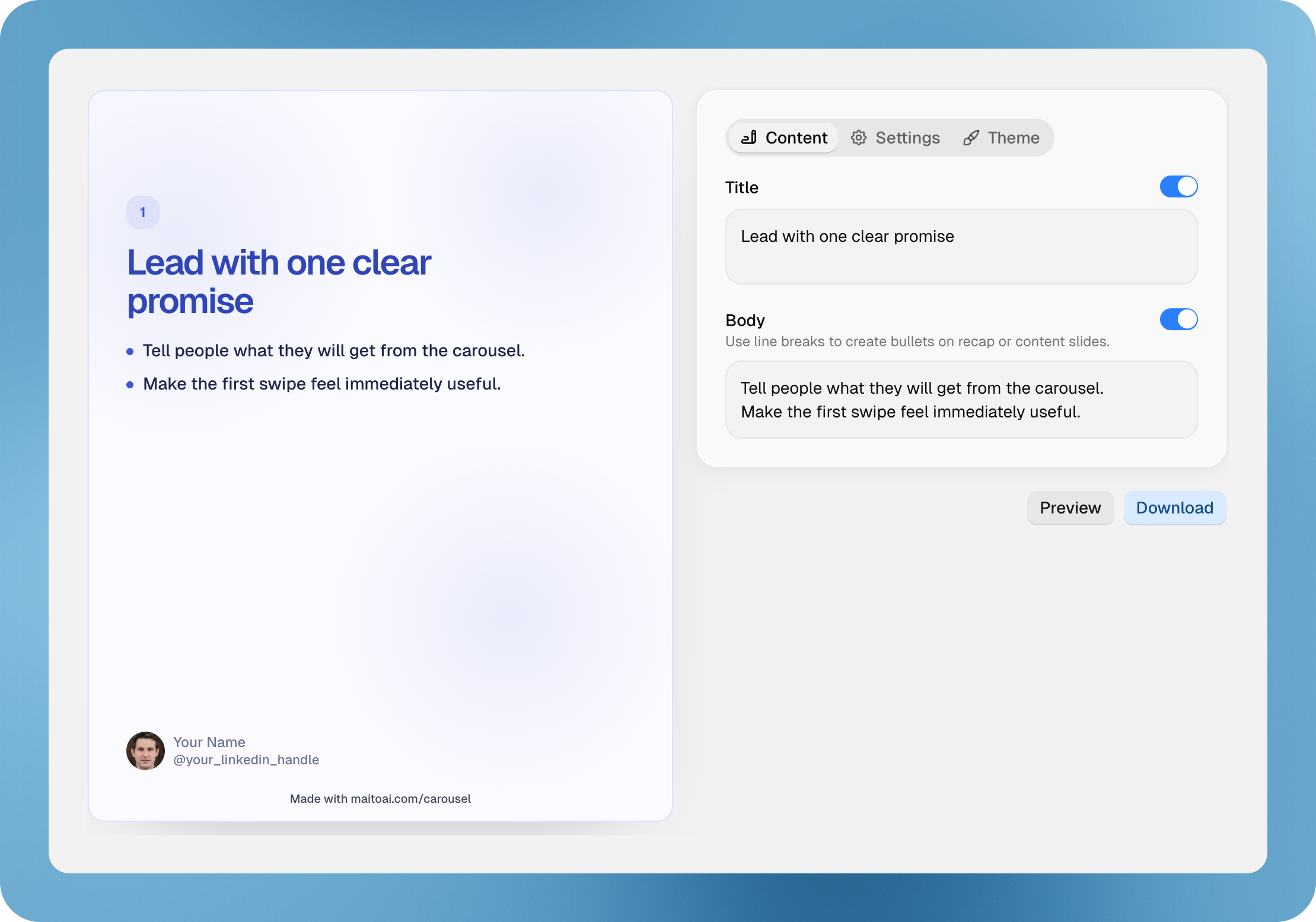
How To Create a Carousel Post on LinkedIn
The practical workflow is simple. Start with one clear idea, break it into slides, make each page readable, preview the sequence, then export the finished deck as a document post.
- Write the core point you want the carousel to teach or prove.
- Turn that point into a logical slide-by-slide outline.
- Keep each slide focused on one idea with readable spacing.
- Preview the full sequence to catch awkward flow or dense copy.
- Export the deck and upload it to LinkedIn as a document post.
This is the workflow most people actually mean when they search for how to make a carousel on LinkedIn or how to create a carousel post on LinkedIn.
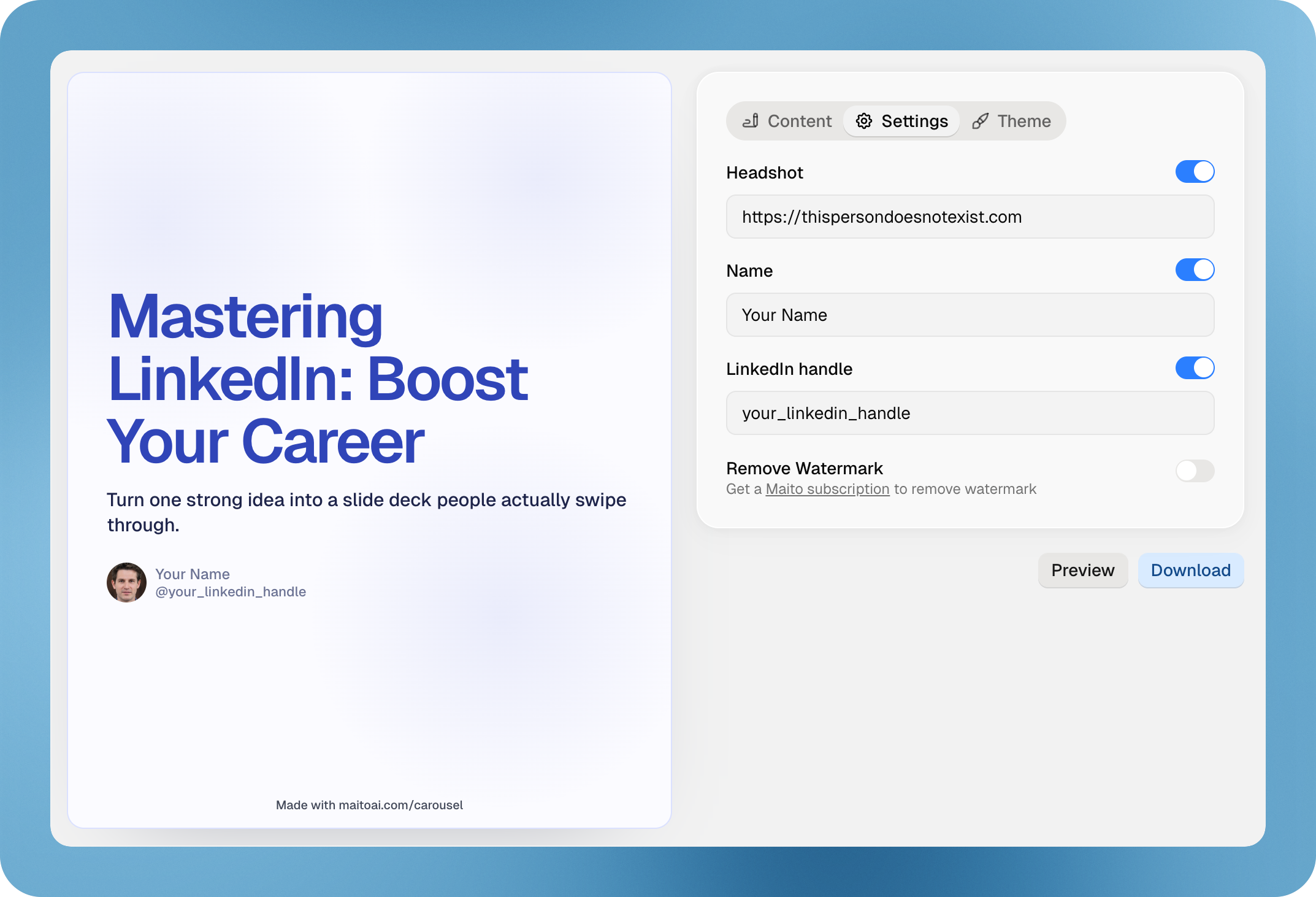
How To Use Maito’s LinkedIn Carousel Builder
Maito’s builder is designed for the real document-post workflow. You can start with a topic or jump straight into editing, then refine the deck slide by slide before you download it.
- Enter a topic for your carousel or start from the default draft.
- Edit the title and body for each slide.
- Adjust colors, background elements, headshot, name, and handle.
- Use preview mode to review the full sequence as a real deck.
- Download the finished carousel and upload it to LinkedIn.
The goal is not just to generate words. The goal is to shape a LinkedIn carousel that feels readable, intentional, and ready to publish.
Why LinkedIn Carousels Work
LinkedIn carousels work because they let you teach, persuade, and sequence an idea instead of forcing everything into one block of text. A good deck creates momentum from slide to slide.
That makes carousels useful for educational breakdowns, mini case studies, frameworks, checklists, and point-of-view content where the reader benefits from a clear narrative flow.
They also give you more room to make one idea easy to scan. Instead of packing everything into one post, you can move one step at a time and keep the information density high without making the content feel crowded.
LinkedIn Carousel Best Practices
The strongest LinkedIn carousels are not the flashiest ones. They are the ones that are easiest to follow.
Make the first slide specific
The opening slide should make a clear promise. People should know why they should keep swiping.
Keep each slide focused on one idea
One strong point per slide is easier to understand than trying to say too much at once.
Use short body copy
LinkedIn carousels read better when the text is tight, scannable, and visually balanced.
End with a CTA
The last slide should tell the reader what to do next, whether that is comment, save, share, or apply the idea.
Keep the visual system consistent
Consistent type, color, and spacing make the carousel feel more credible and easier to read.
Preview on smaller screens
A deck that looks fine at full width can still feel crowded on mobile. Previewing helps you catch that before you publish.
LinkedIn Carousel Size and Format
For most organic LinkedIn carousels, portrait is the strongest starting point. It gives you more vertical room for a headline, supporting text, and a clean author block without making the slides feel cramped.
If you are looking for LinkedIn carousel dimensions, the practical answer is to use one portrait document size across the whole deck and keep every slide consistent. What matters most is not chasing ad-style specs. It is using a format that exports cleanly as a PDF and stays easy to read once it becomes a LinkedIn document post.
If you are planning a content system around LinkedIn carousels, the safest approach is simple: use a portrait-first layout, keep the text readable, use the same page ratio from the first slide to the last, and optimize for document-post clarity instead of ad requirements.
LinkedIn Carousel FAQ
Clear answers to the most common questions around LinkedIn carousel posts, document posts, and PDF-ready export.